iPhone hiking app for GPS track recording
TrailTrackr records hikes, long-distance walks and multi-day trails on your iPhone with GPS, elevation and route statistics. No account is needed, and your tracks stay on your device.
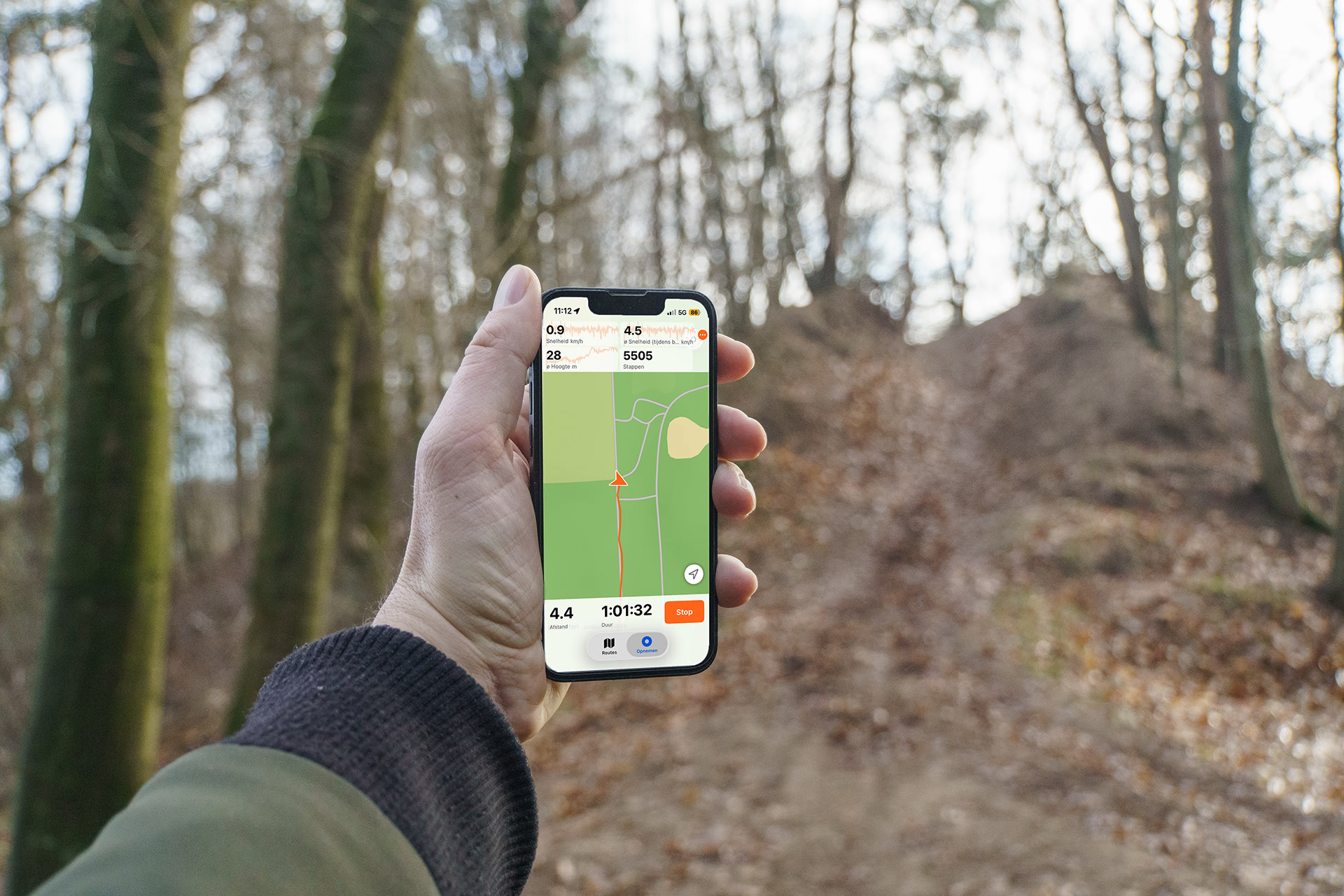
Record every outing
Choose walking, hiking, running, cycling, skiing, snowboarding or car, and follow distance, duration, speed and elevation live while you record your route.
Keeps recording with the screen locked
Location updates continue in the background, built for long hikes and all-day tracking. Smart sampling with adjustable intervals and distance filters saves battery, and the accuracy adapts in Low Power Mode. See how TrailTrackr tracks a hike with the screen locked.
Elevation and maps
Elevation is recorded along your route, with a filter that ignores insignificant changes to reduce noise, and you see ascent and altitude charts afterwards. Choose Standard, Hybrid, Satellite or OpenStreetMap maps.
Never lose a recording
A recording is saved automatically about every 10 seconds, so after a crash or force-quit you can continue or save the interrupted track.
Siri and Shortcuts
Say “Start a hike in TrailTrackr” or “Stop recording in TrailTrackr”, or use the actions in Shortcuts and automations. You can also search a track by name or check whether a recording is running.
GPX export and privacy
Import GPX files and export your tracks as standard GPX files for other apps (GPX import and export). Tracks are stored locally and no account is required. The app sends only anonymous usage statistics and crash reports, never your routes.
Questions
Does TrailTrackr work with the iPhone screen locked?
Yes. Recording continues in the background with the screen locked, with a battery-saving mode for long days.
Do I need an account to use TrailTrackr on iPhone?
No. Tracks are stored on your device and you can use the app without an account.
Can I export my hike as a GPX file?
Yes. Every recorded track can be exported as a GPX file, and you can import GPX files too.