Mac GPX Viewer and Editor for Hiking Routes
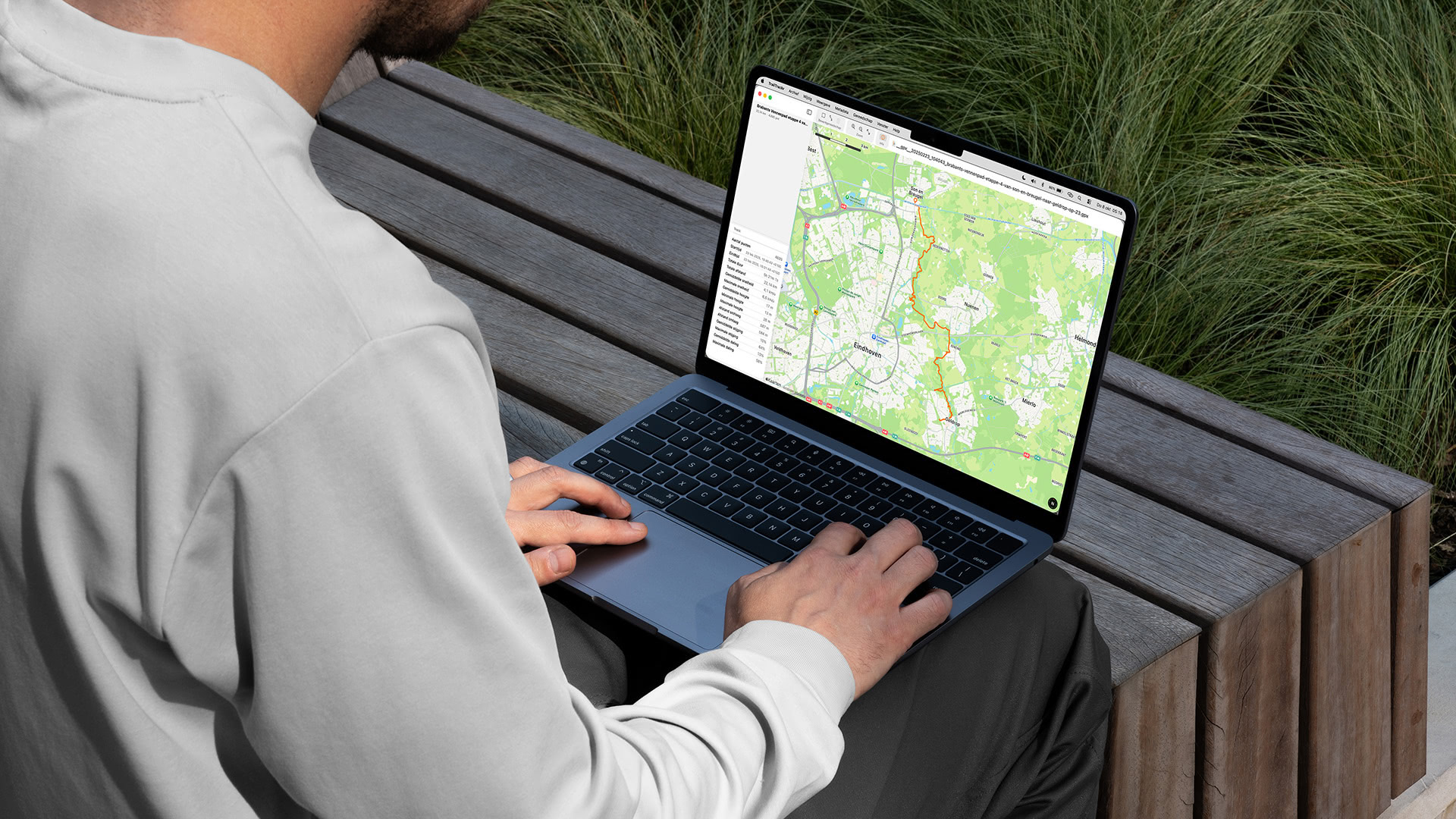
TrailTrackr for Mac opens GPX and KML files in their own window, so you can look at a recorded hike on a bigger screen. See the route on a map with statistics such as distance and elevation, browse the segments of multi-day tracks, and tidy up a recording when it needs it.
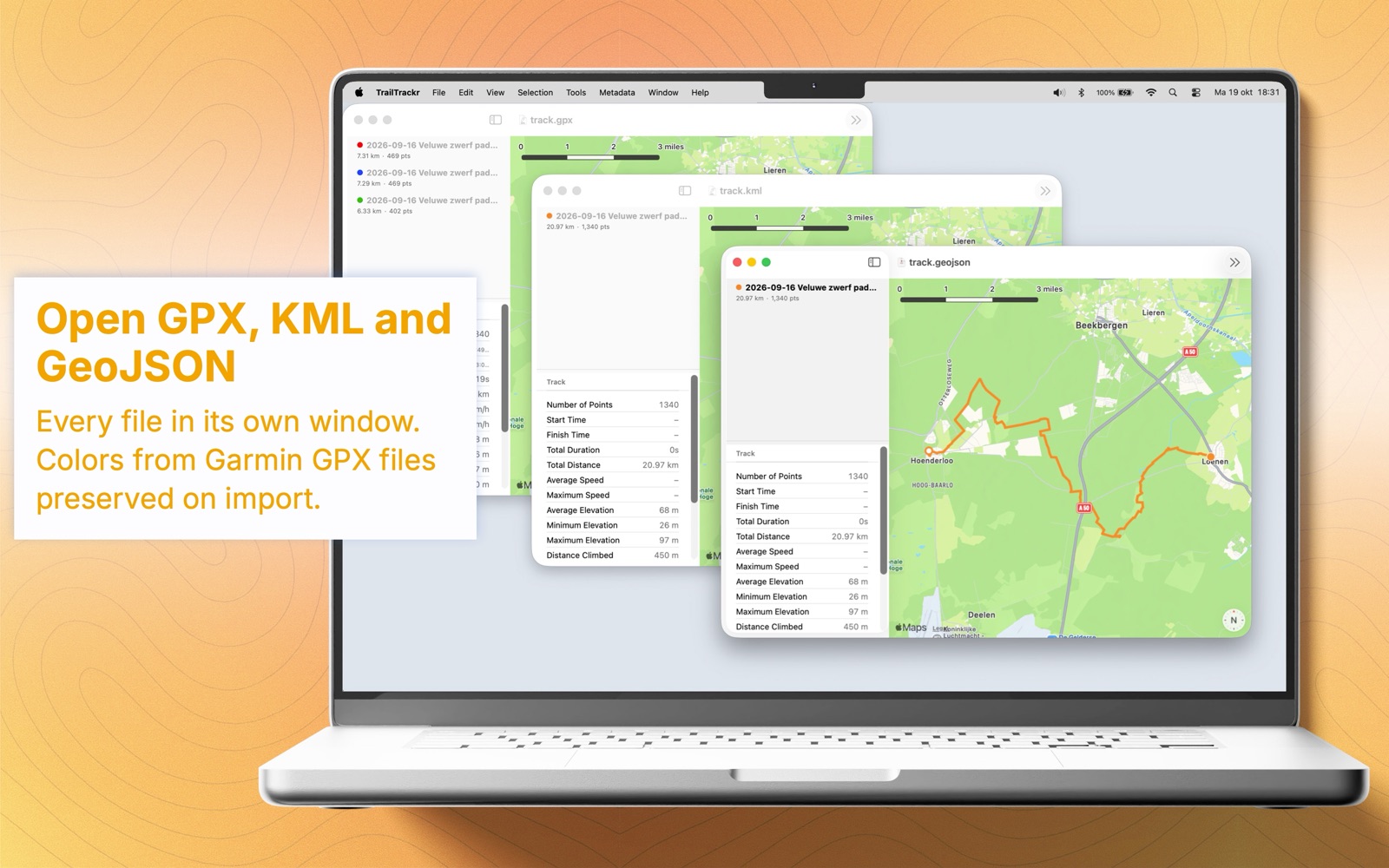
Open GPX and KML files in their own window
TrailTrackr for Mac is a document-based app: every file you open gets its own window, so you can compare several hikes side by side. It reads GPX 1.0 and 1.1 and KML files, including files exported from the iPhone and Apple Watch apps.
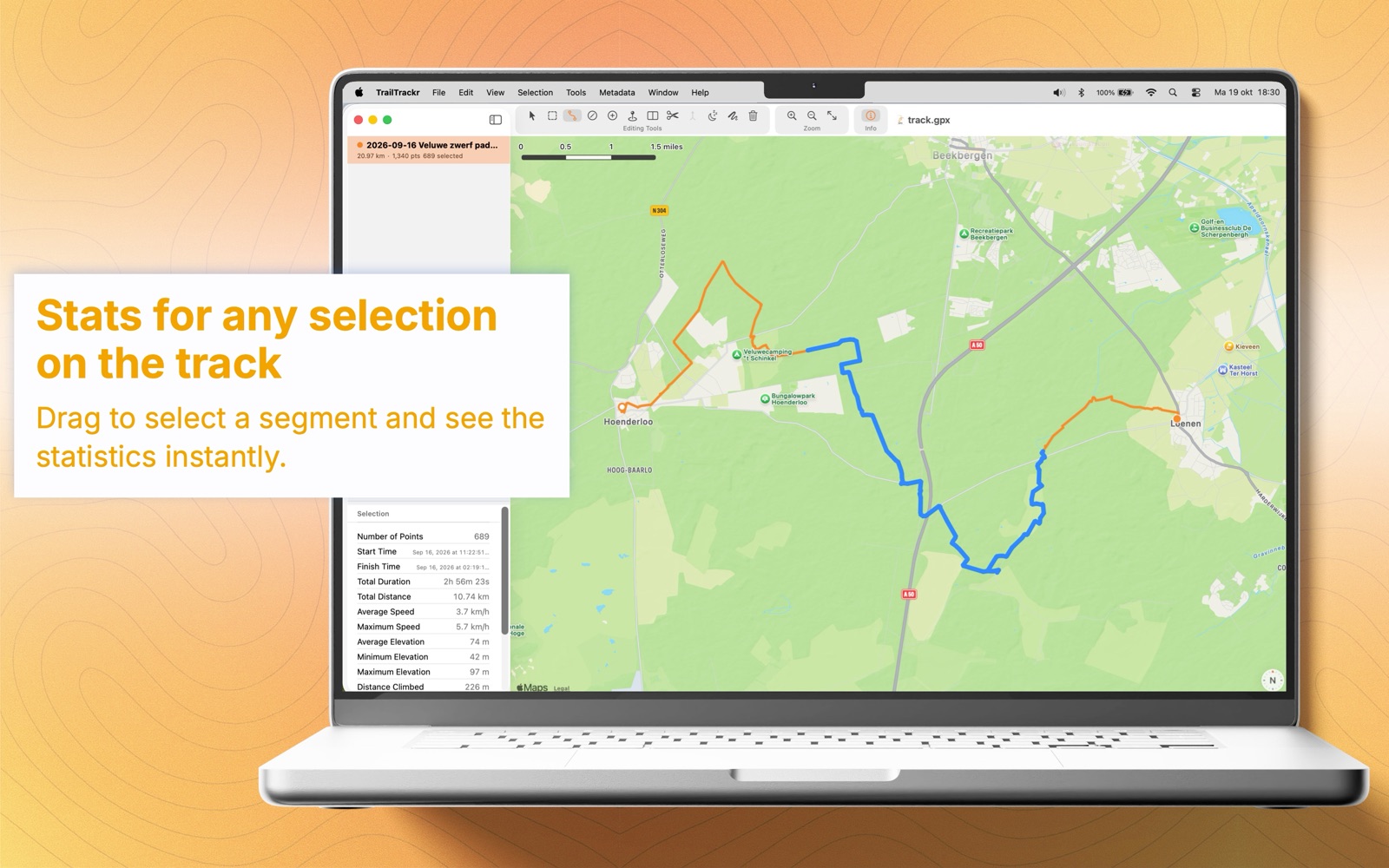
Review distance, elevation and segments
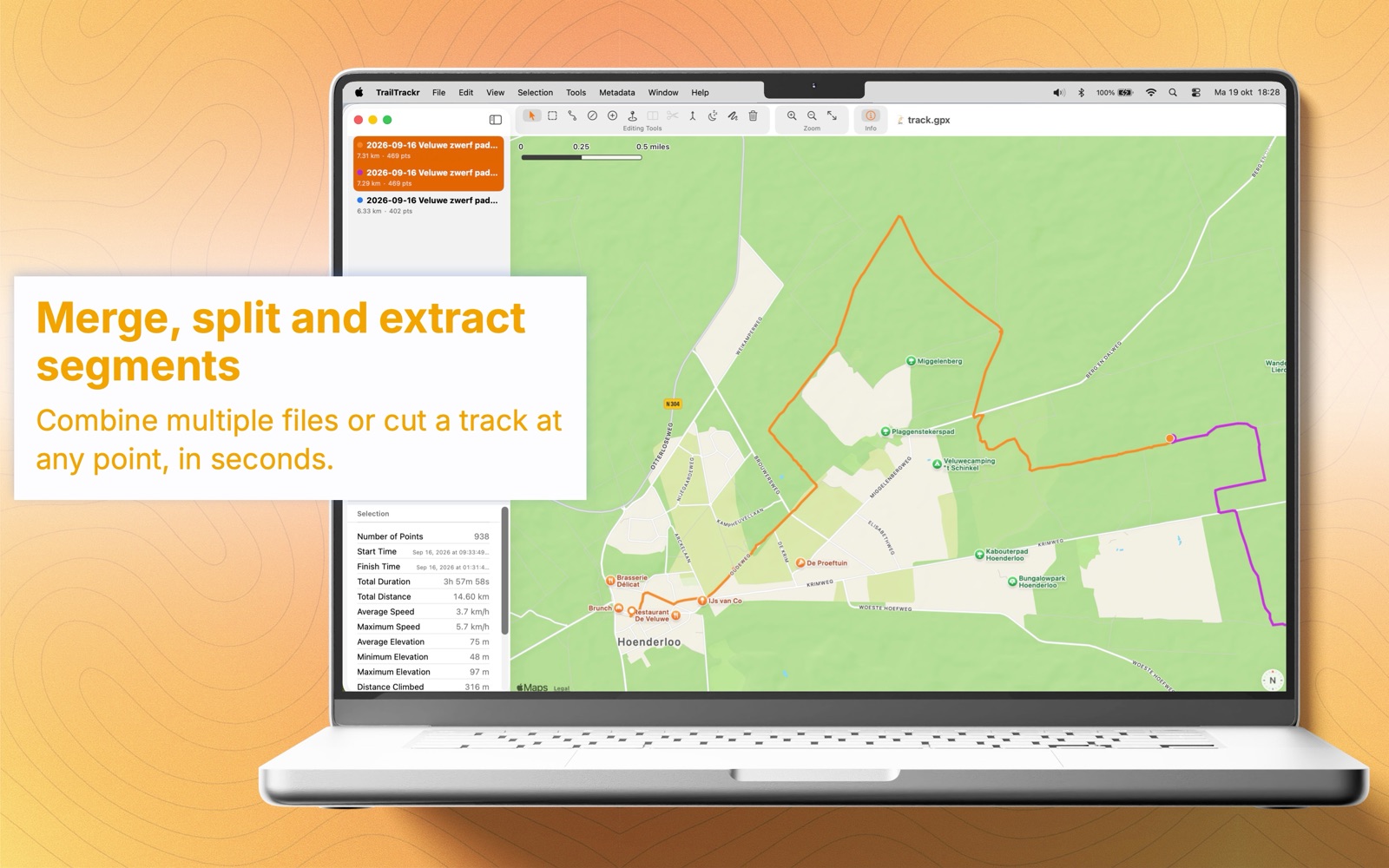
Each track shows its route on a map, together with distance and elevation statistics. Multi-day recordings keep their separate segments, each drawn in its own color, so you can browse each day's stage on its own. Hide the tracks you do not need for a moment.
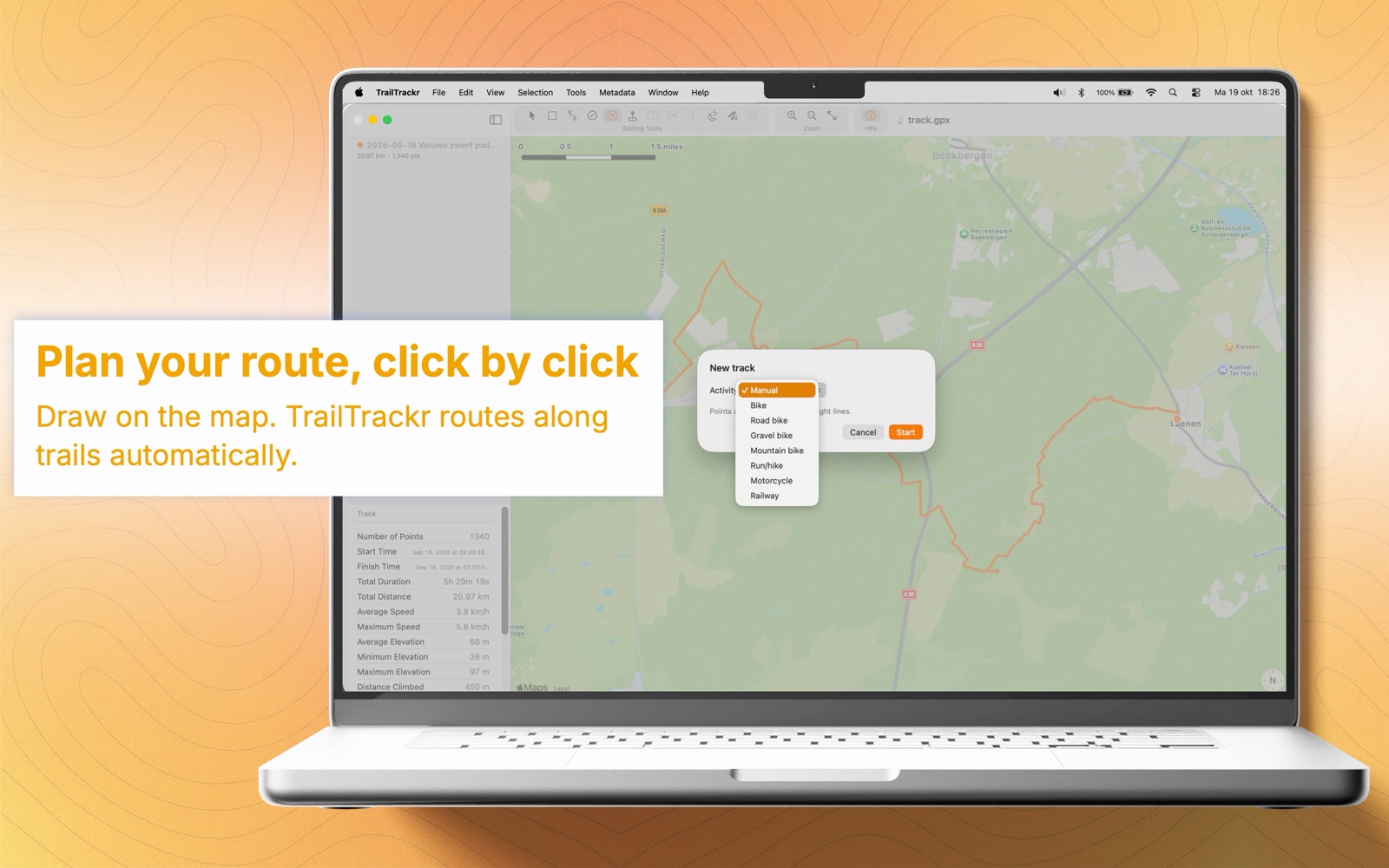
Edit points right on the map
Click a track to select it, or select points with a box or a range. Then move or delete them. Add a point to a track, drag a single point to a better spot, or draw a new track by clicking on the map. Every edit can be undone.
Merge, split and tidy up tracks
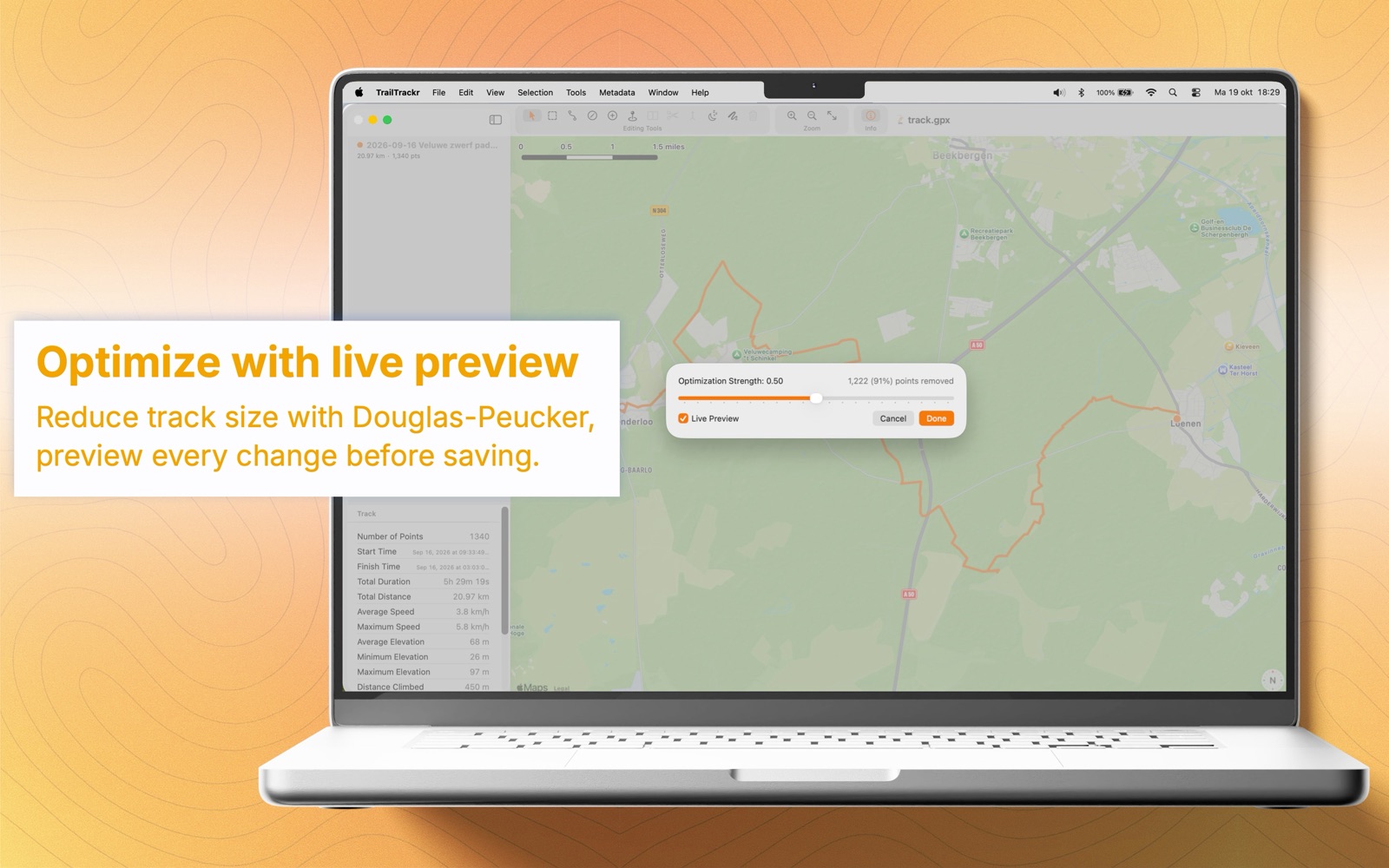
Merge segments into one track, or extract the part you selected as a new track. Split a track at a point, or at the rest stops where you stayed for a while. Optimize removes points you do not need, with a live preview of the result.
Fix timestamps and details
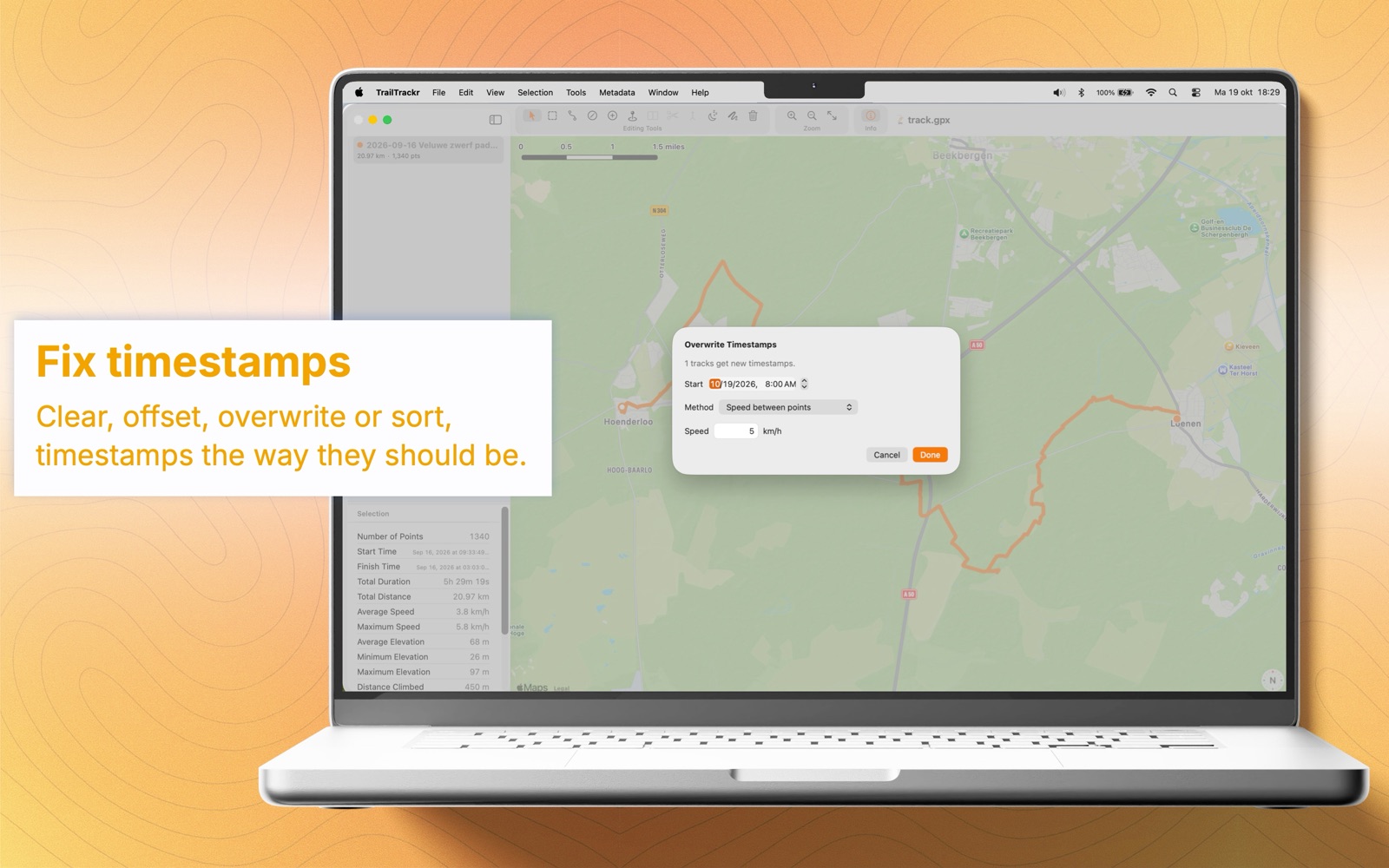
Offset, clear, overwrite or sort timestamps, and reverse the direction of a track. Rename tracks and edit the name, description and link of tracks and waypoints.
Import, save and export
Import several GPX or KML files into one window. Edited files are saved as GPX, and you can export the whole track or just your selection as KML for Google Earth. If you prefer, the app asks before saving changes.
A viewer and editor, not a recorder
The Mac app does not record tracks. To record a hike, use TrailTrackr on iPhone or Apple Watch, then export or open the GPX file on your Mac.
Related
- TrailTrackr GPX import and export: how tracks are exported from iPhone as GPX files you can open on Mac.
- TrailTrackr Apple Watch hiking tracking
- How TrailTrackr tracks a hike with the screen locked