Hiking App With GPX Import and Export
TrailTrackr records hikes and walks with GPS on your iPhone and keeps every track as a file you own. You can import GPX files, export your recordings as GPX and open them in other software that reads the GPX format.
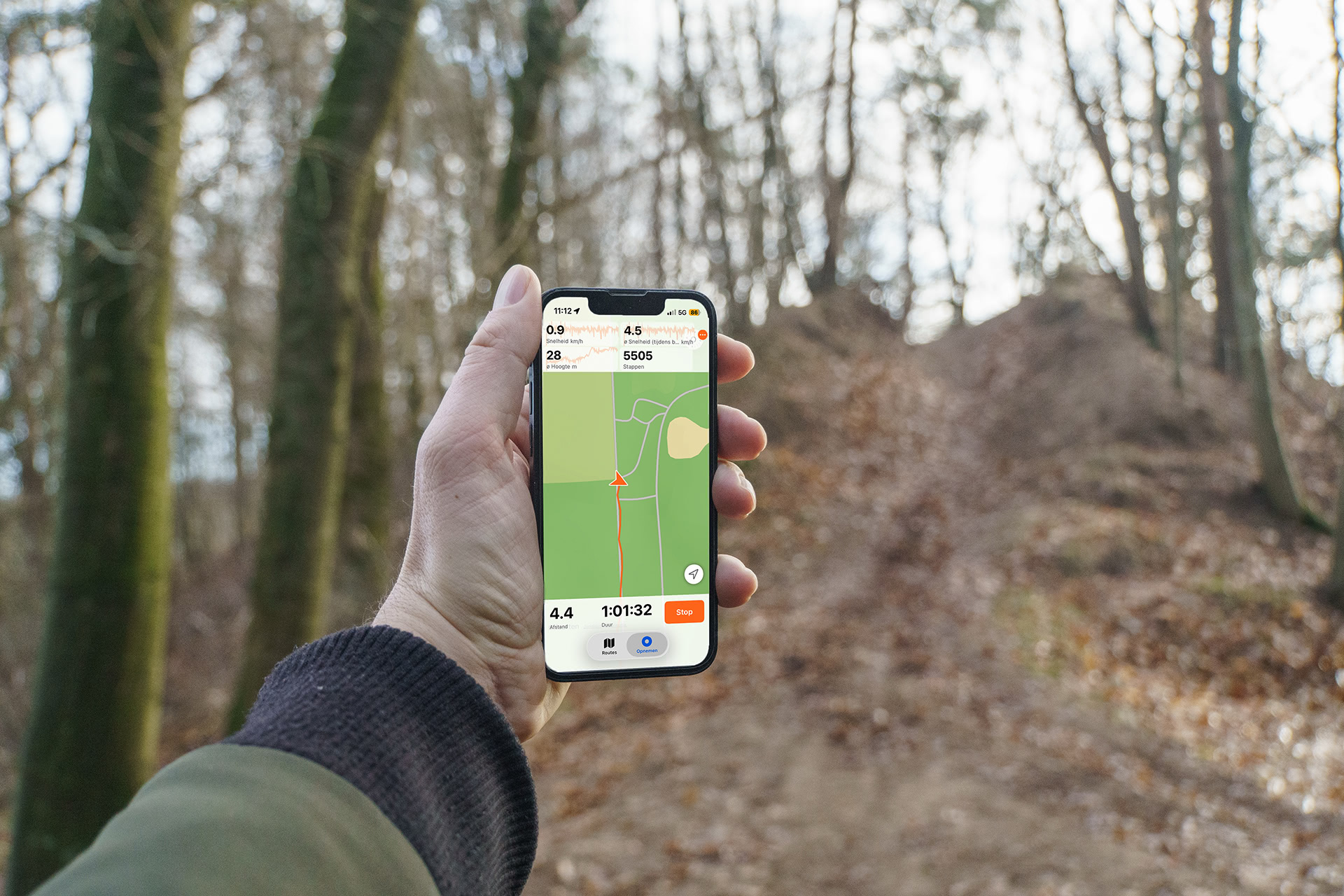
What is GPX?
GPX (GPS Exchange Format) is an open, XML-based file format for GPS data. A GPX file can hold the points of a recorded track, with coordinates, time and elevation. Many hiking, mapping and navigation tools can read it, which makes it a practical way to move a route between apps without a shared account.
Import GPX routes
Open a GPX file from the Tracks screen and TrailTrackr adds it to your logbook. The importer reads GPX 1.0 and GPX 1.1 files, skips tracks that are already in your logbook and shows the result on the map with distance and elevation. Imported tracks are saved as a walking activity by default.
Export your recorded hikes
Every recorded track can be exported as a GPX 1.1 file. Multi-day recordings keep their separate segments in the file. Share a track from the share sheet, or copy the files through iTunes/Finder file sharing. You can also create a full JSON backup of your logbook from Settings.
Keep your own GPX files
TrailTrackr works without an account and stores your tracks locally on your device. Your GPX exports are plain files that stay yours, whether you keep them in the Files app, a computer folder or a backup of your own.
Use GPX with other hiking and navigation software
Because GPX is a standard format, the files you export can be opened by any software that supports GPX tracks. Support and import options differ per app, so check what your other software accepts. TrailTrackr does not upload your routes to other services for you.
See TrailTrackr in Action
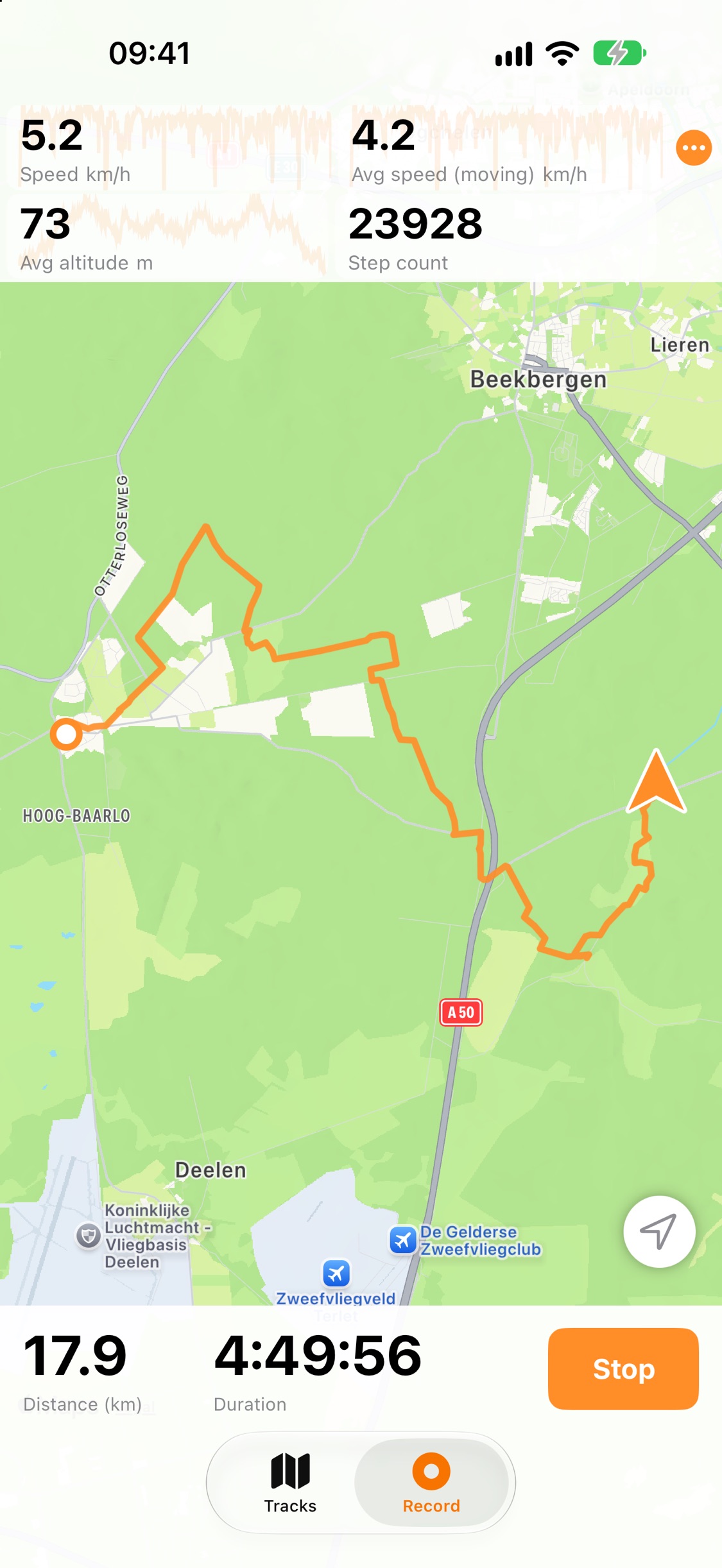
Live Hiking Statistics
Follow distance, duration, speed and elevation in real time while you record your route
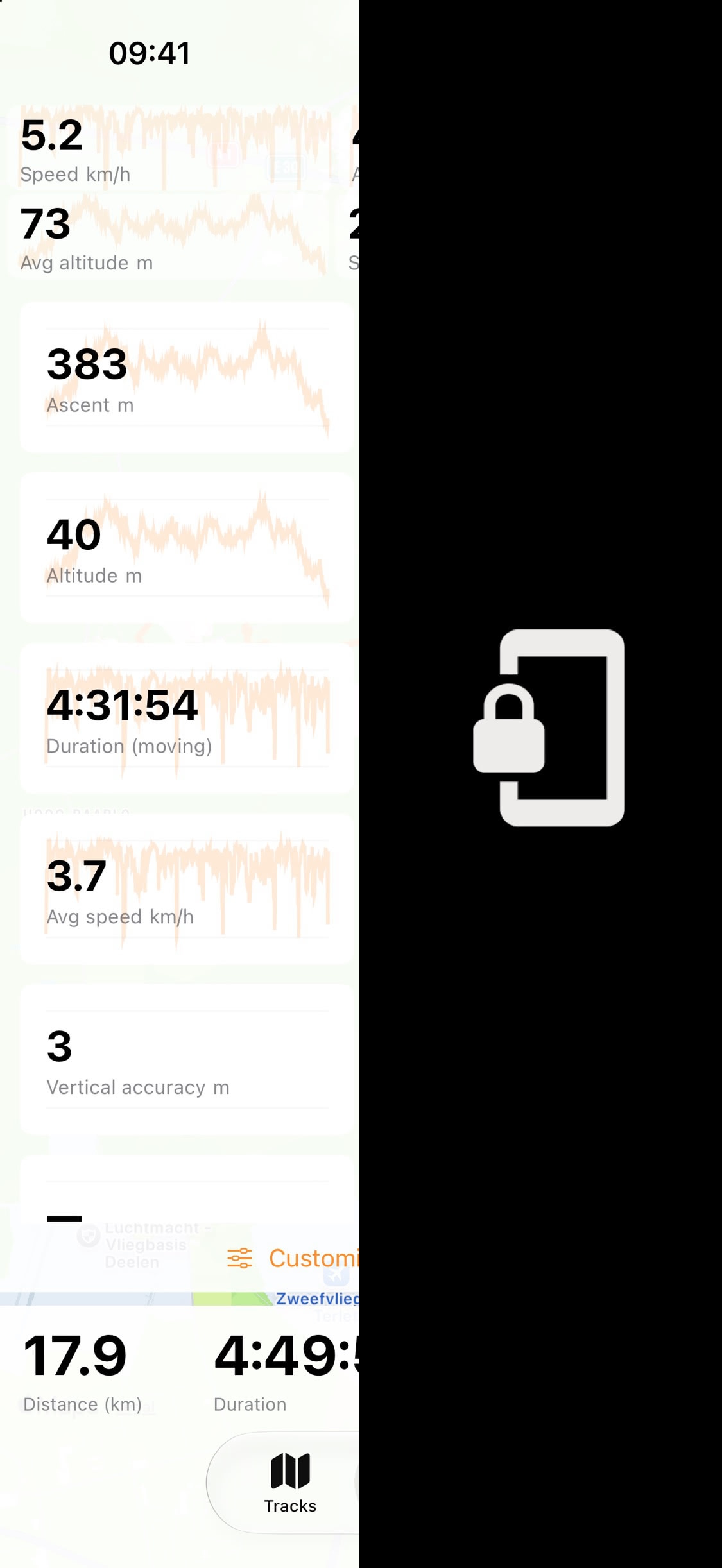
GPS Tracking With the Screen Locked
Recording keeps running in the background when your iPhone screen is locked
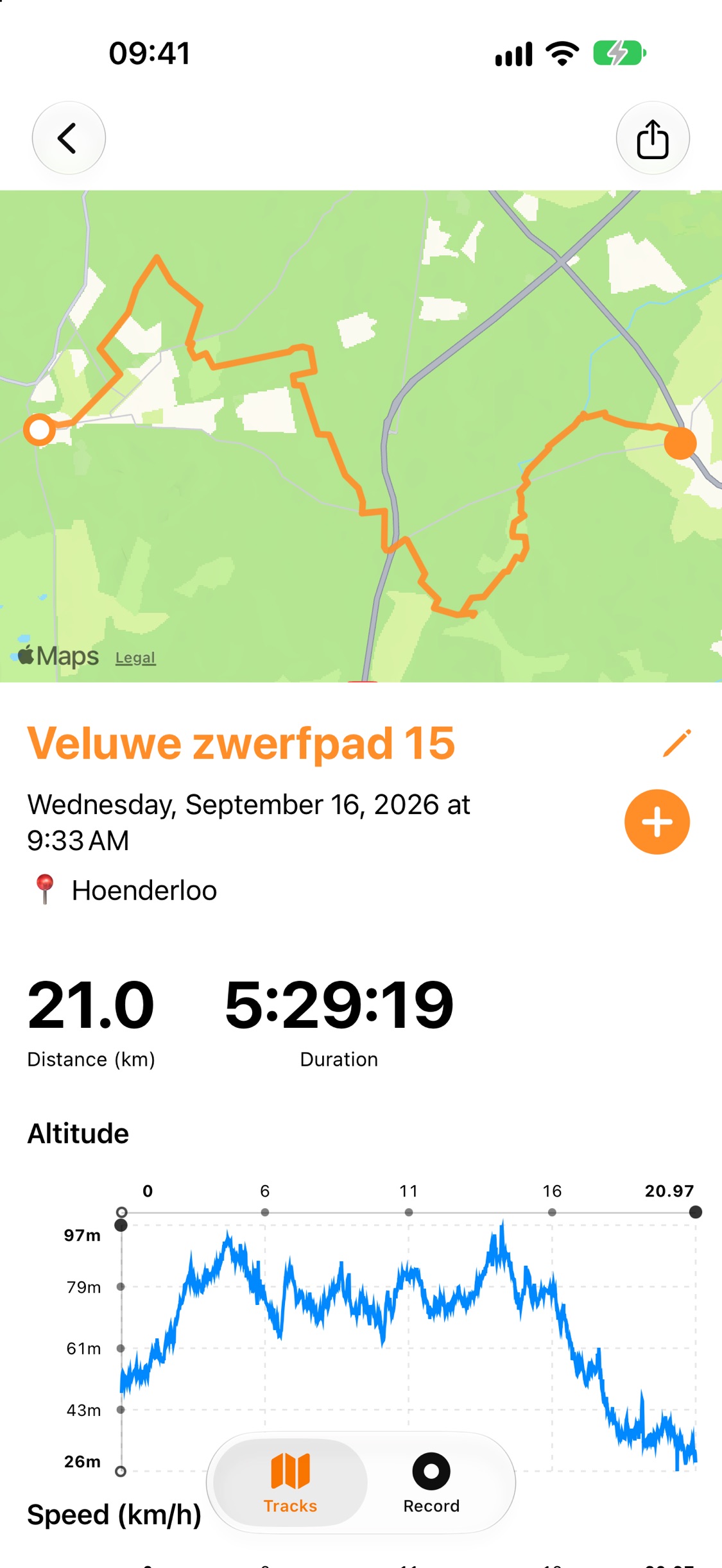
Hiking Route Summaries
Review your route, distance, duration and altitude profile, then share it as a GPX file
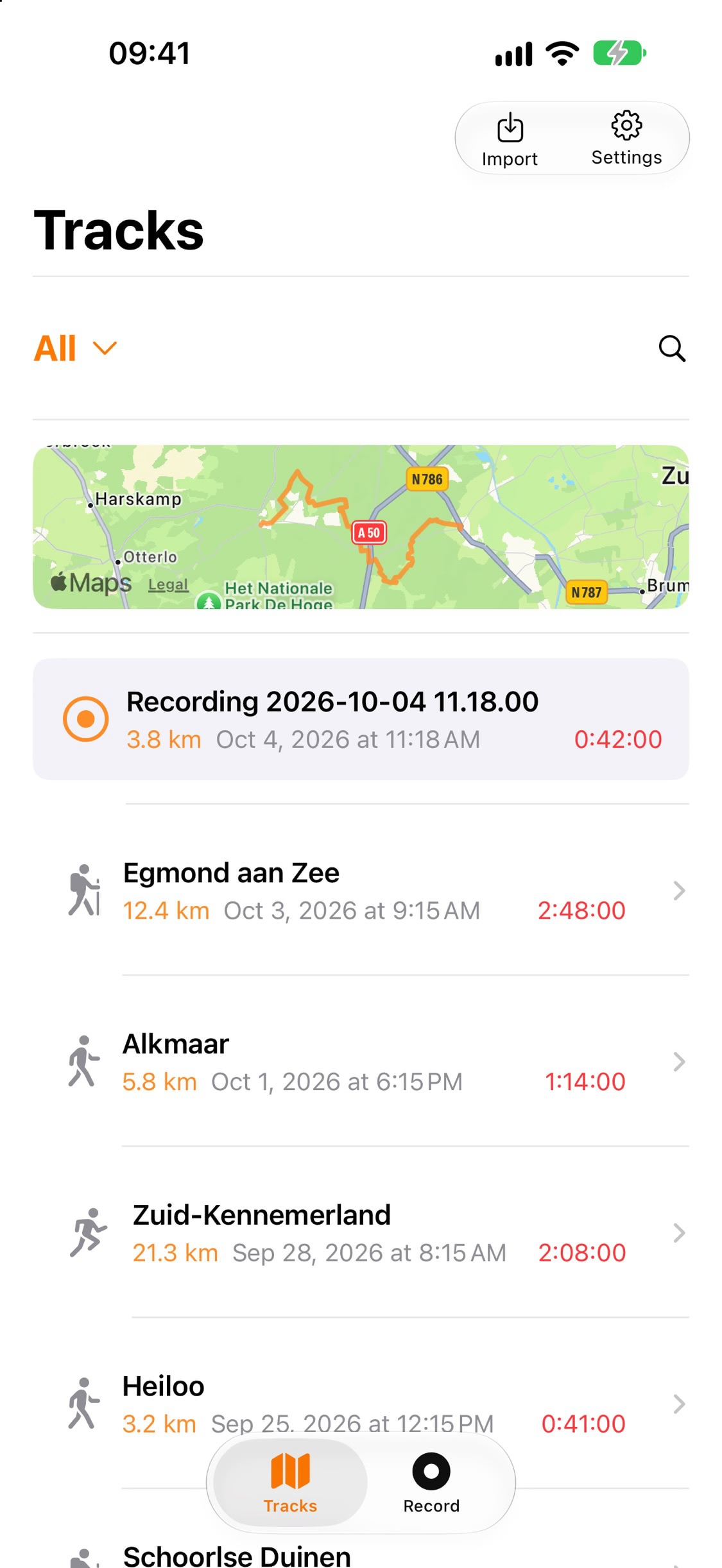
Your Logbook of Tracks
Every recorded or imported GPX track in one list, with distance, date and duration at a glance
Related
- TrailTrackr Apple Watch hiking tracking: watch recordings sync to the iPhone and can be exported as GPX.
- How TrailTrackr tracks a hike with the screen locked