Apple Watch Hiking App for GPS Route Tracking
The TrailTrackr Apple Watch app records a hike or walk directly from your wrist. Your iPhone can stay in your backpack. When you are done, the track syncs to the TrailTrackr iPhone app.
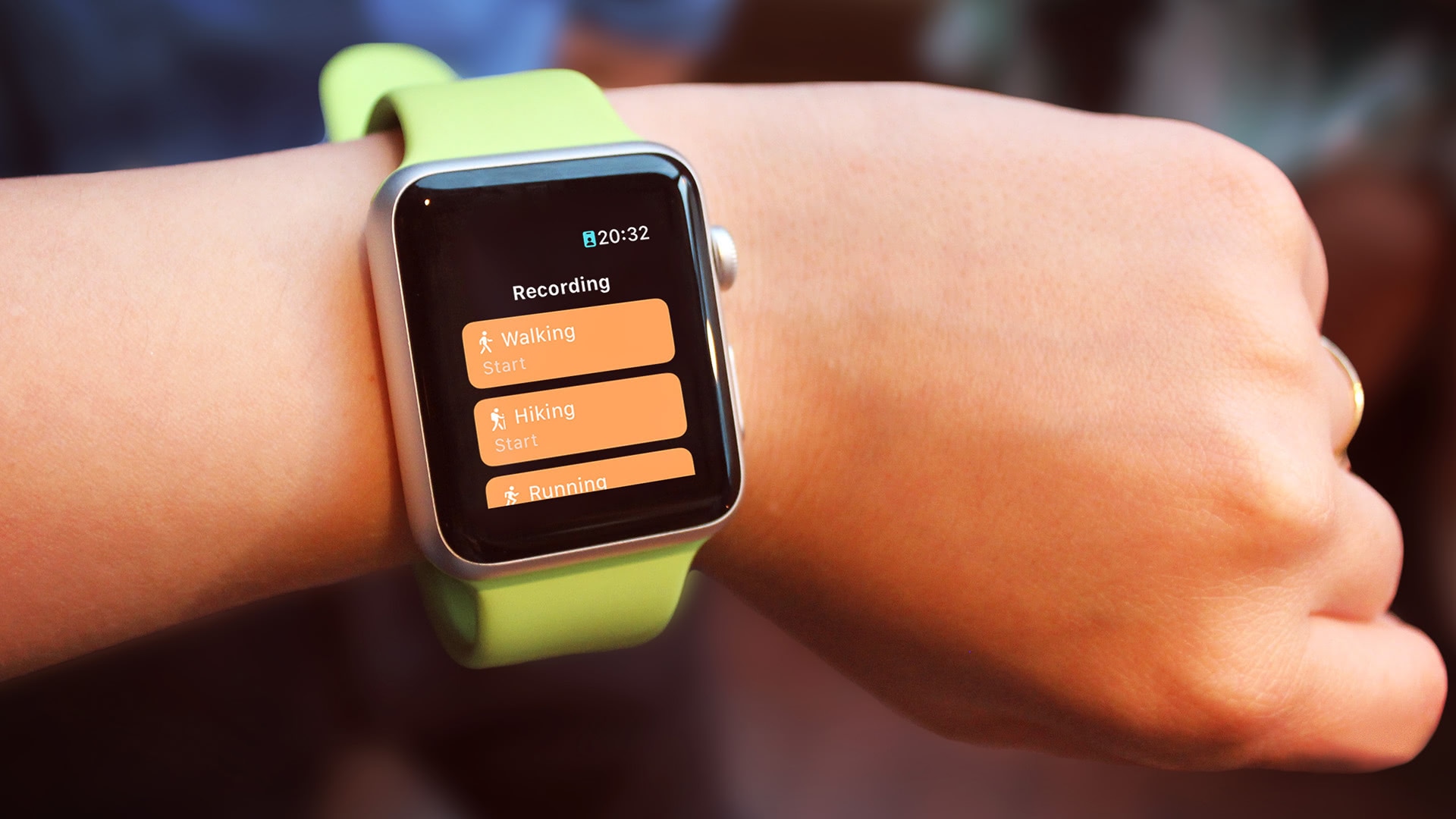
Start a recording from your wrist
Choose an activity (such as hiking or walking), wait for the short countdown and start recording. GPS recording runs on the watch as a workout session, so it keeps recording while you move and do not look at the screen.
Live statistics
While you record, the watch shows distance, duration, pace, speed and altitude, updated in real time. Units follow the choice you made on your iPhone.
Controls on the watch
You can pause and resume a recording, add a lap and stop and save the track from the watch. The watch saves your recording progress regularly, so an interrupted recording can be resumed or discarded the next time you open the app.
Sync with iPhone
Finished tracks are sent to the iPhone app automatically. If your iPhone is not reachable, the watch keeps the track and delivers it later when the devices reconnect. Workouts are also written to the Health app.
Review and export on iPhone
On the iPhone you can review the route on a map, look at distance and altitude, and export the track as a GPX file. See TrailTrackr GPX import and export for details.